

 Home
Home About
About Contests
 Poetry
 Reviews
 Guests
 Have you ever visited an author's Facebook page and noticed that every posting on their page is self-promotion? I don't know about you but that totally turns me off and suggests all sorts of negative character traits. BUT! We must not judge, right? Perhaps these folks aren't selfish, they may simply have no idea how to make social media a win-win for everyone. I'm here to help. First, let me say that I am not a Facebook, or marketing, expert. I am sharing what I have learned and hope will be of benefit.
Here are my suggestions for making social media benefit all parties so that you help yourself and other authors or artist friends when you use Facebook. They involve using the Like, Comment and Share functions on posts.
Click the Like button with wild abandon!
- Click the ‘Like’ button under the banner on the professional pages of authors. Some naughty authors make these very hard to find. Look under the ‘About’ section on their home page and you may find their professional pages there. If you hover over the page the 'Like’ button will appear. All you have to do is just click that button.
- Click 'Like' under different pictures or posts on the author’s page. In other words, the word Like anywhere is an invitation to click. In a matter of seconds, you can scroll through the author's page and just click on things that interest you. (After you click the like button it will change to 'Unlike'. Don't worry, that is OK. It just flags you that you have already liked that comment or image.)
- Why bother with this? The page owner gets a notification that you 'Liked' something on their page. They then should come over to your page and show how much they like you in return. This is social marketing.
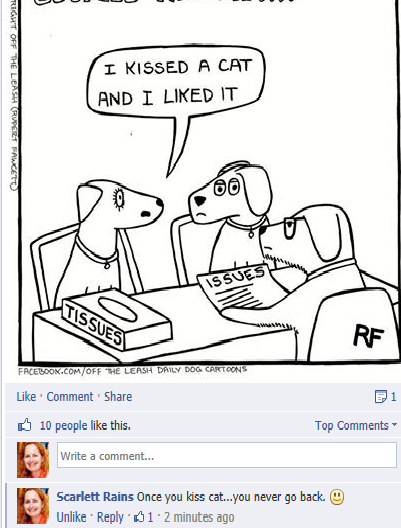
Comment on different posts that interest you on an author's page.
- Click the 'Comment' button and a dialogue box will open. Type your comments and click enter.
- Click 'Reply' under other people's comments and a comment box opens for you.
- I try to include and bring people into discussion by tagging them in my comment or reply. Tagging is easy. Just use the @name-of-person format and whoever you named (tagged) gets a notification on their page and typically they then reply directly to your comment on the post.
- Why bother with this? This is not a trivial thing. It boosts virility of the page and is a means of actually getting to know the author.
Click the ‘Share’ button under posts you like and share them to your page or the page of a friend.
- I try to remember to credit the person I shared from by using the following format to tag them: @nameofperson. This gives them increased visibility on Facebook and brings their attention to the post. Authors love it when you share their posts.

- Use the drop-down menu under On your own timeline to select where you want to send the shared information. You can share a post or picture to several pages. I have shared some of my favorites onto 6 or 7 other pages. That is what it means to go viral and how you help that author grow a network of interested friends.

- Make sure you click Share Photo. You will see a pop-up message that tells you the post was successfully shared.
I hope these tips increase your Facebook popularity by leaps and bounds and wish you great success. Remember, success is always best when shared with fiends. I am delighted to share an opportunity for you to win my books. Don't forget to enter the giveaway below. Best of luck, friend.
~Scarlett


